Smart Screen Off And Lock1.17.3
Publisher Description
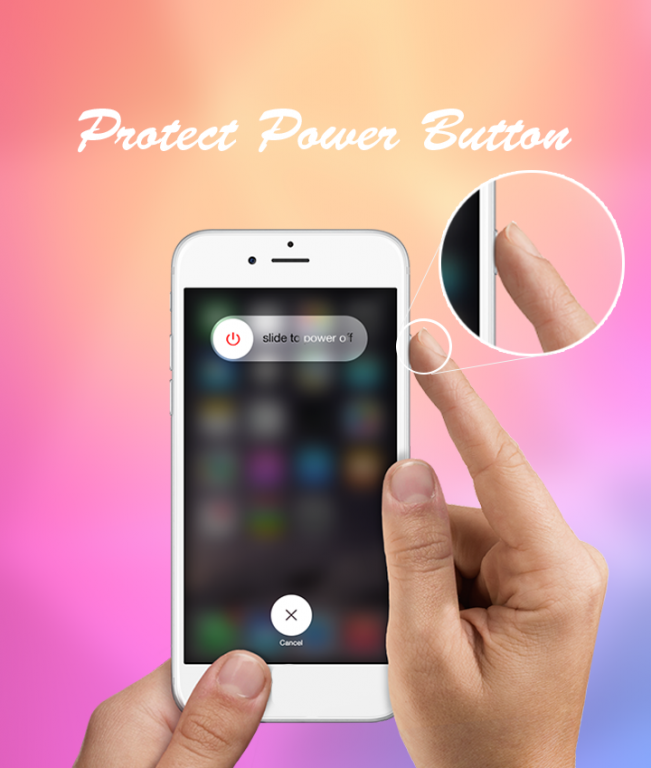
help you protect the Power button.
Smart Screen Off And Lock
can on or off screen quickly and esay with a tap touching the home screen.
Smart Screen Off And Lock
is smart application to auto on or off screen using proximity sensor and double tap on home screen.
Smart Screen Off And Lock
have is also provider to quickly turn the screen off.
Smart Screen Off And Lock
sometimes difficult to press the power button, or you want to preserve the physical power button. Smart Screen
OnOff
application and the power head floating can help you minimize the use of the power button anytime, anywhere.
With over 30 languages support, Screen Off and Lock is the No.1 screen onoff application in Google Play Store.
Function have in Smart Screen Off And Lock screen auto:
- Shutdown button in launcher
- Create launcher shortcut
- Floating button over all apps! (Double tap to use it) (Donate version)
- Supports notification : touch in notification for turn off screen and lock
- Double tap on Home Screen to turn off screen.
- The sensor will automatically detect, and auto power on / off screen to help you.
- You can disable the feature when the screen rotates horizontally.
- You can set separate delays when the screen on / off to avoid accidentally enabled.
- Support power to quickly head off the screen.
- Support for using the same cover.
- Smart screen onoff support many animation to screen OFF
- Turn off effects screens
Other features:
1. Screen off animation (including the most famous Old TV style)
2. Screen lock/unlock sound effect
3. Screen off vibration
How to uninstall app
Just click uninstall button to remove app with administrator
Thank for use!
About Smart Screen Off And Lock
The company that develops Smart Screen Off And Lock is Bimrewoa. The latest version released by its developer is 1.17.3.
To install Smart Screen Off And Lock on your Android device, just click the green Continue To App button above to start the installation process. The app is listed on our website since 2016-08-24 and was downloaded 49 times. We have already checked if the download link is safe, however for your own protection we recommend that you scan the downloaded app with your antivirus. Your antivirus may detect the Smart Screen Off And Lock as malware as malware if the download link to com.screen.screenoff.off is broken.
How to install Smart Screen Off And Lock on your Android device:
- Click on the Continue To App button on our website. This will redirect you to Google Play.
- Once the Smart Screen Off And Lock is shown in the Google Play listing of your Android device, you can start its download and installation. Tap on the Install button located below the search bar and to the right of the app icon.
- A pop-up window with the permissions required by Smart Screen Off And Lock will be shown. Click on Accept to continue the process.
- Smart Screen Off And Lock will be downloaded onto your device, displaying a progress. Once the download completes, the installation will start and you'll get a notification after the installation is finished.
